How Pausing Works
When Fatal Error Notify sends you a notification (via email or Slack), it includes a link to pause that specific notification. This is useful when you’re aware of an issue and working on a fix — you don’t need to keep getting notified about the same error while you’re actively addressing it.
From Slack, you can also use the interactive action buttons to pause notifications:
- Pause Notification: Pauses all notifications for that specific error
- Pause This File: Pauses notifications from all errors in the same file
- Mute Plugin: Pauses all notifications from the plugin that caused the error
Managing Paused Notifications
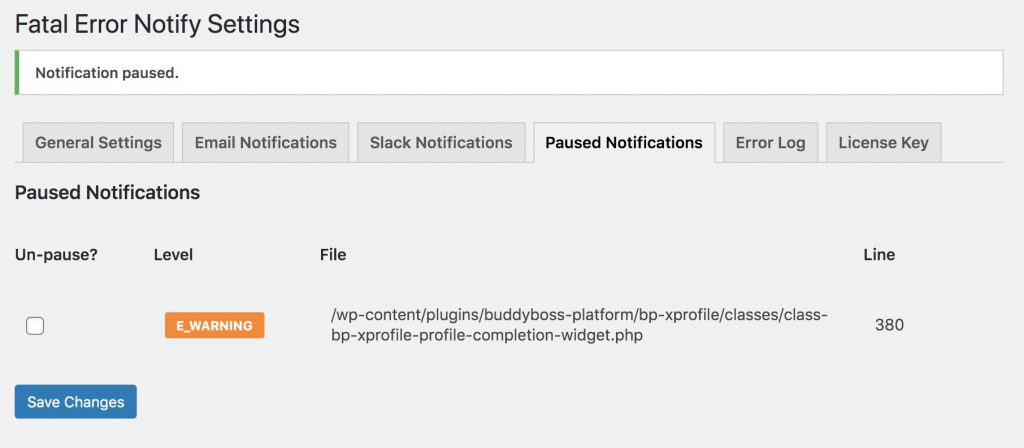
All paused notifications are listed under the Paused Notifications tab in the plugin settings (Settings » Fatal Error Notify » Paused Notifications).
Each entry shows what was paused and when. To un-pause a notification, check the Un-pause checkbox next to it and save the settings. The notification will resume and you’ll be alerted the next time that error occurs.